
"I uploaded receipts after each client project and tax season was the first time I was not scrambling."
Receipts without the scramble
Stay tax-ready without the monthly scramble
Built for freelancers and self-employed professionals.
Connect your bank, upload receipts, and keep every transaction ready for your accountant in one calm dashboard.
- Auto-link receipts to transactions
- Review once — it remembers your edits
- Export tax reports in one click
14-day free trial • No credit card required
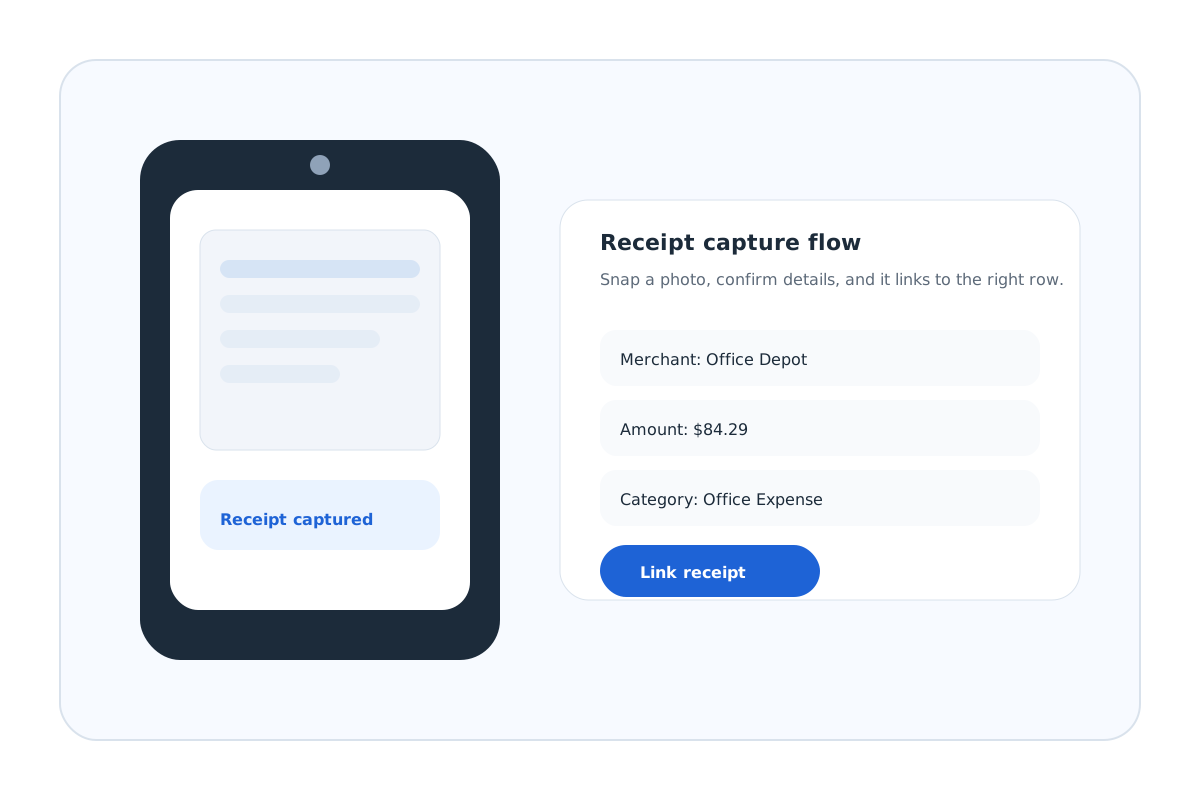
Upload receipts as you go
Snap, drag, or forward — we handle the details
Auto-link to transactions
Clean rows without the chase
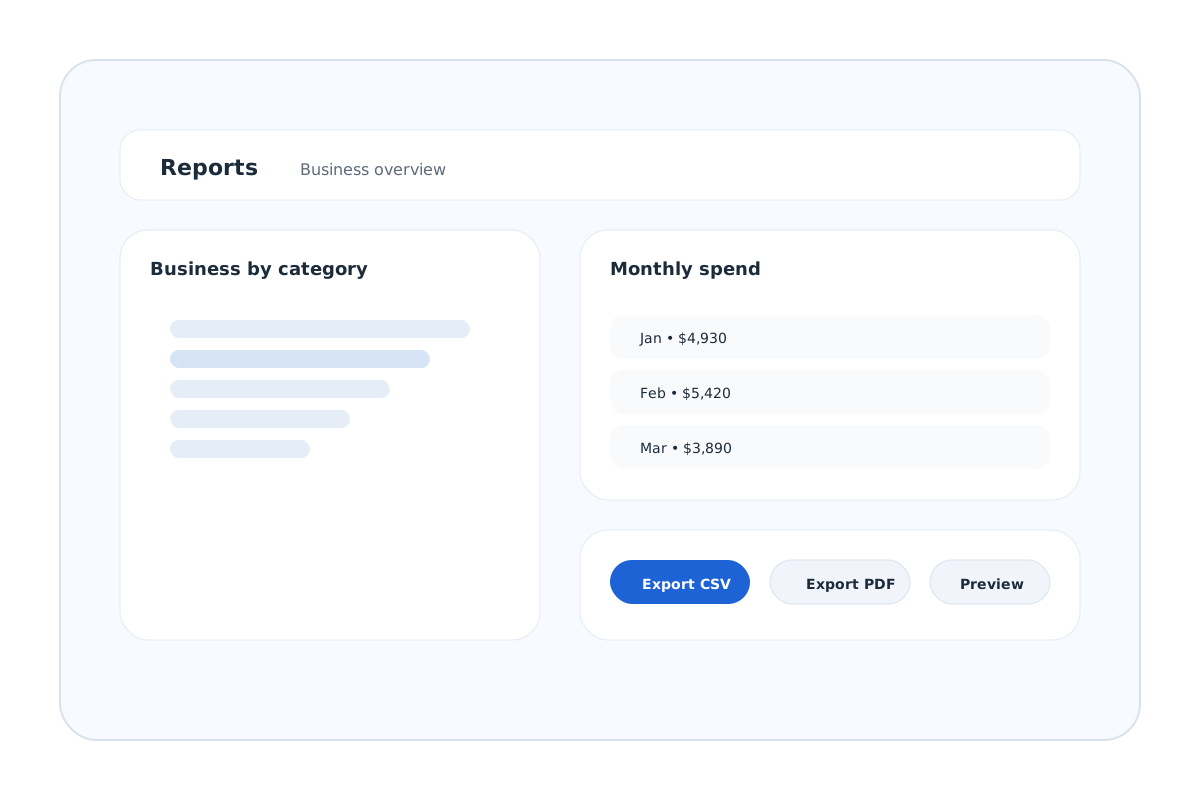
Reports in one click
Export CSV/PDF when you need it
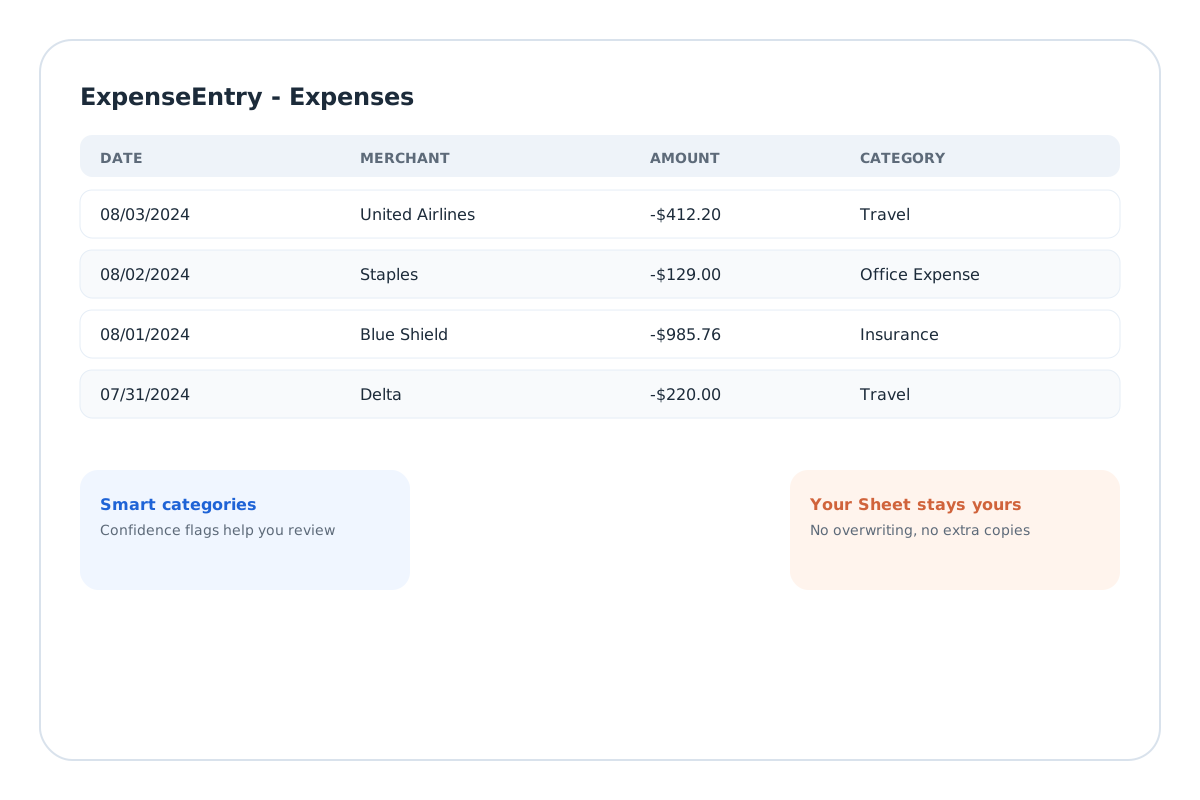
Expenses
Updated this morning
Connected
Date
Where
Amount
Category
Yesterday
United Airlines
-$412.20
Travel
Mon
Staples
-$129.00
Office Expense
Last week
Blue Shield
-$985.76
Insurance
Tax-ready
Schedule C categories
Synced today
3 new transactions
Quick Review
Swipe through transactions like Tinder.
Business or personal? Swipe right or left to categorize in seconds.
Personal
←
swipe
→
Business
Blue Shield
$985.76
Staples
$129.00
Needs Review
United Airlines
$412.20
Date
Feb 5, 2026
Account
Chase ••4521
Privacy first
Your data stays private and under your control.
We store your transactions and receipts in your ExpenseEntry workspace so you can review and export anytime. We never store bank credentials.
Your workspace is the system of record
Your transactions and receipts live in ExpenseEntry so you can review, edit, and export on demand.
AI processes only the item you submit
Categorization uses the single transaction or receipt needed for that task, not your full history.
Bank connections secured by Stripe
We use Stripe Financial Connections with read-only access to keep your data safe.
Product
A calm expense workflow, built for real life.
Setup
Get started in minutes.
01
Create your account
Sign up and we create your private workspace.
02
Connect your bank
Secure, read-only access to your transactions.
03
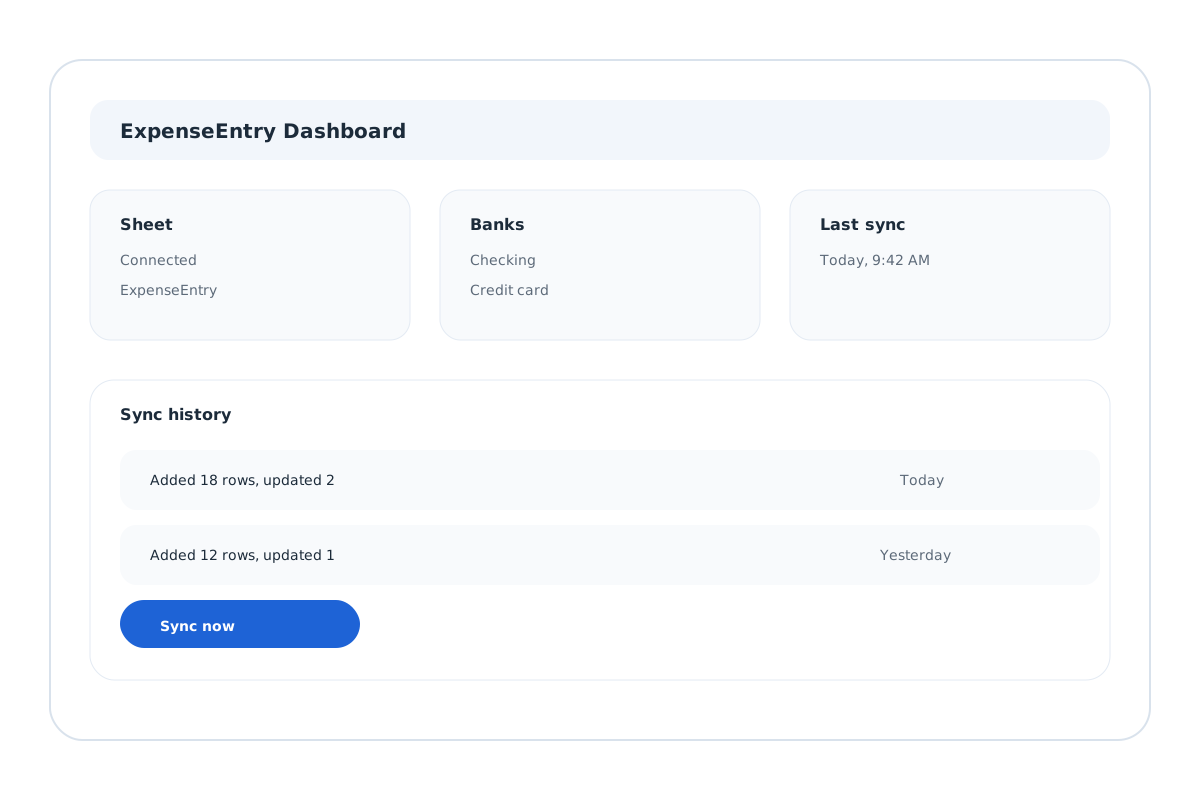
We keep everything organized
Your dashboard stays updated and exports stay tax-ready.
04
Upload receipts anytime
Web upload, email, or Telegram photo — we link them to the right row and learn from your reviews.
Pricing
Simple plans with a 14-day free trial.
14-day free trial • No credit card required
Save 31% with annual billing
Pick a plan at signup. Subscribe anytime during or after your trial.
Solo
$12
/mo
- 1 connected bank account
- Daily sync
- Learning categorization
- Receipt upload + email + Telegram
- Exports sync
- Reports + exports
Pro
$20
/mo
- Unlimited connected bank accounts
- Daily sync
- Learning categorization
- Receipt upload + email + Telegram
- Exports sync
- Reports + exports
Why not just use X?
Built for the gap other tools miss.
You're already doing the work manually
Manually tracking expenses works until you fall behind. ExpenseEntry keeps everything organized without the cleanup.
You still export to spreadsheets for taxes
Spreadsheets are great for budgeting. ExpenseEntry is built for taxes. ExpenseEntry focuses on clean, export-ready rows.
Full accounting is overkill for you
Full accounting can be overkill. ExpenseEntry keeps it light: just your transactions and categories in one place.
FAQ
Clear answers, no surprises.
Is my bank data safe?
Yes. We use Stripe Financial Connections with read-only access. We never see or store your bank credentials.
What banks do you support?
We use Stripe Financial Connections, which supports most major U.S. banks and credit unions.
How accurate is the AI categorization?
It is strong on common expenses like software, travel, meals, and office supplies. When it is unsure, it flags the row for review and learns from your edit.
What happens if it miscategorizes a transaction?
Edit the transaction in our dashboard. We keep your change and use it to get the next similar transaction right.
What happens to receipts I upload?
Receipts are securely stored and linked to your transactions, with totals and dates pulled in automatically.
How often does it sync?
Daily. New transactions appear automatically.
Can I cancel anytime?
Yes. No contracts, no cancellation fees.
Ready to stop worrying about expenses?
Connect once, upload receipts as you go, and everything stays organized.